Installation
Download and System Requirements
The TextGridLab is the entrance point to the collaborative virtual research environment TextGrid. Beside working together independent of location, the Lab allows the collaborative utilization of tools, data and methods.
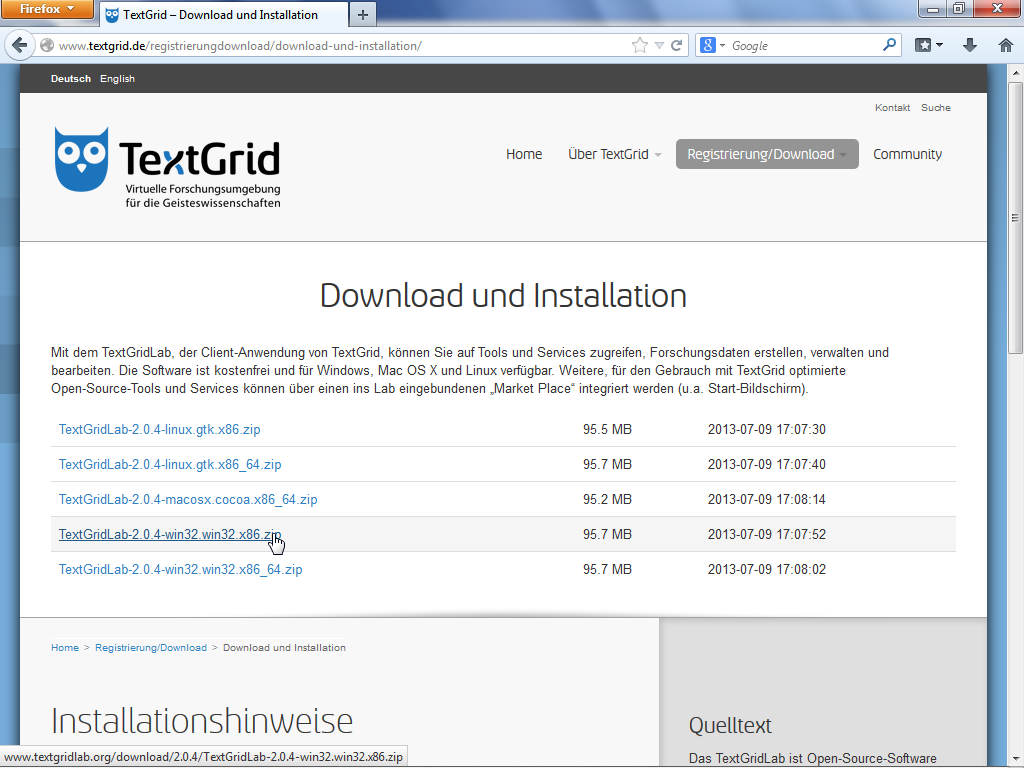
The current version of the TextGridLab can be downloaded for free from the TextGrid-Website (www.textgrid.de). The software is available as compressed ZIP file for several operating systems.
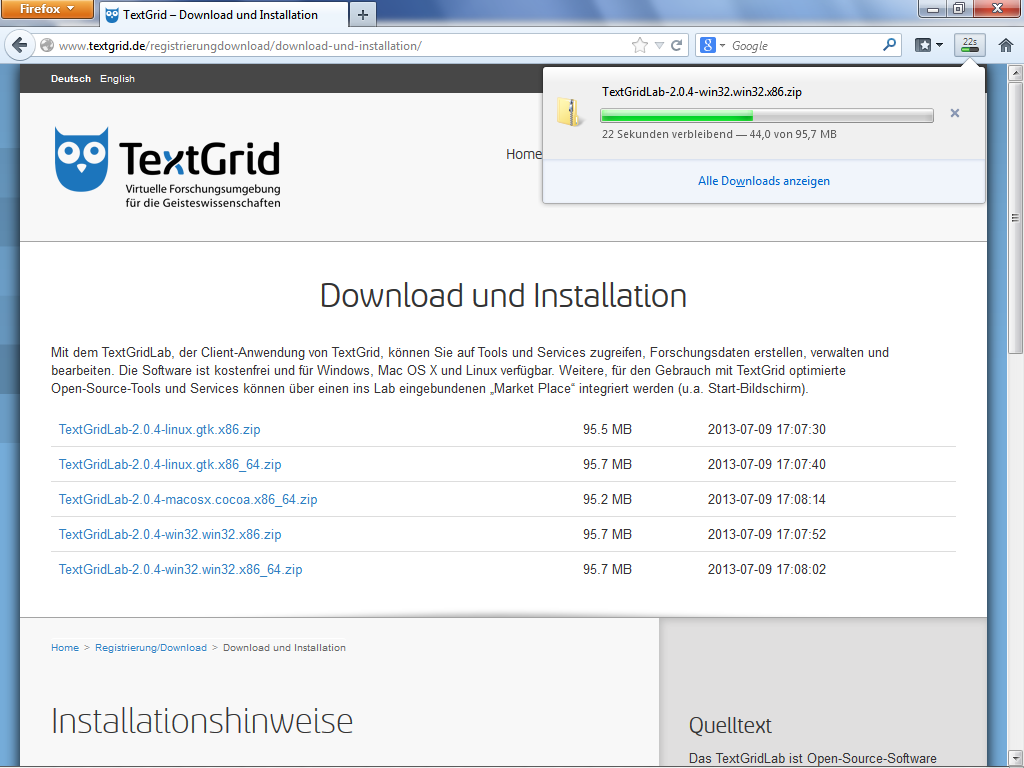
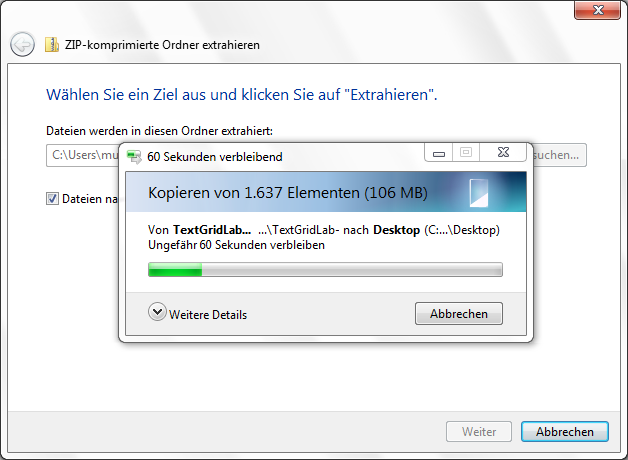
Save the ZIP file on a local drive and extract the file to a directory of your choice. As portable software, the TextGridLab does not modify your computer’s operating system and for instance can also be started from a USB drive.
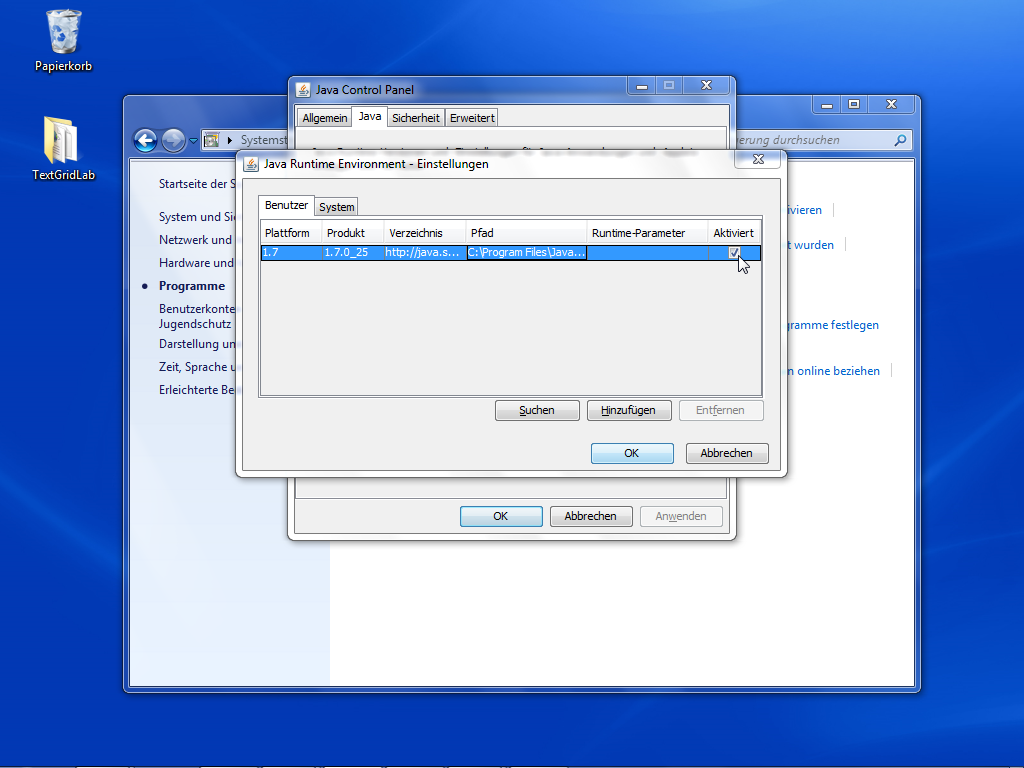
As sole system requirement you must install a Java Runtime Environment (JRE) version 6 or higher, before you can use the TextGridLab. You can download the current version from the Java Webseite. Please note that under Windows this version must be selected as active version under “Java” in the Control Panel.
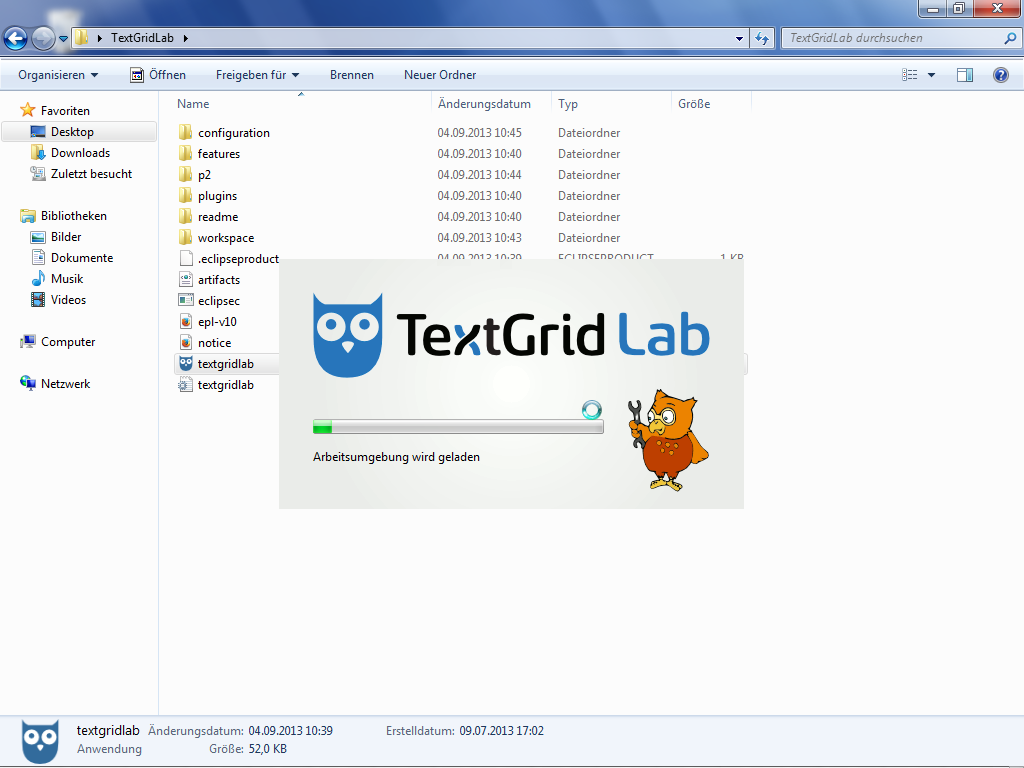
Now you can start the executable file textgridlab.exe in the chosen directory by double-clicking.
The utilization of the TextGridLab is free, but without a login you can only use the Search and Dictionary Search. To access all functions of the TextGridLab, you must login. Further information can be found in the tutorial Login.